CRM & Process
How to Build a Customer Follow-Up System That Actually Gets Used
A step-by-step framework for creating a simple customer follow-up process your team can use every day without complicated CRM workflows.
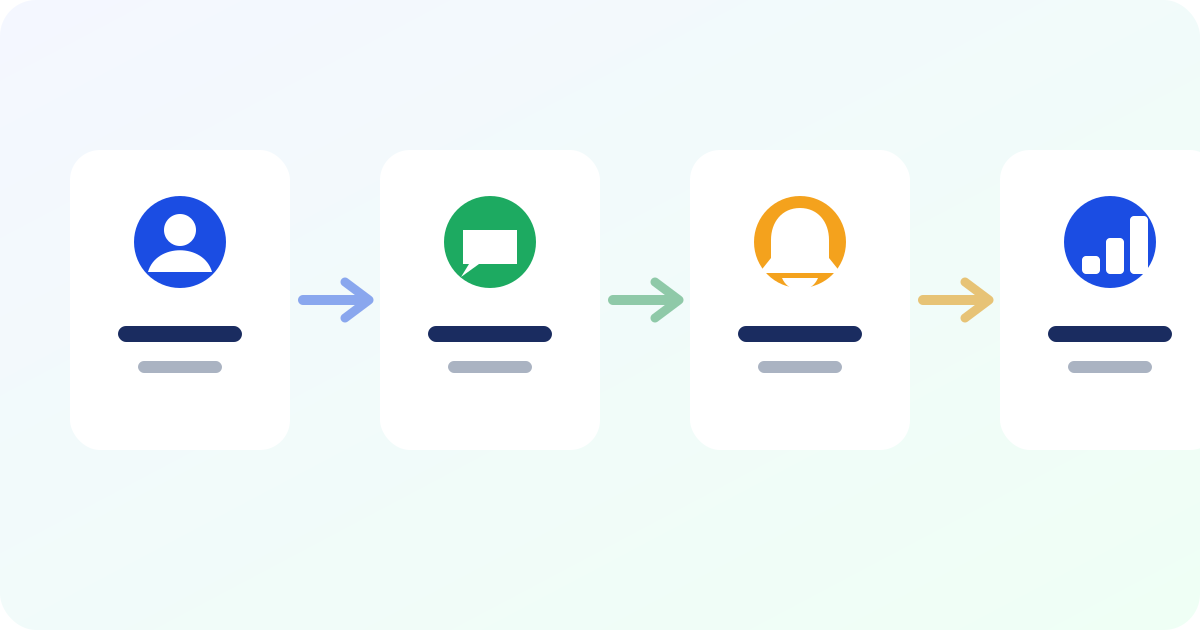
Many businesses know they should follow up more consistently. The problem is not usually motivation. It is that the information needed to follow up is scattered across chats, notebooks, staff phones and memory.
A useful follow-up system turns “we should remember to contact them” into a clear daily process.
Step 1: Put customers in one place
Create one customer list with at least the person’s name, phone number and enough context to know why they matter. Add previous purchases, notes, tags or lead source where useful.
Avoid collecting information simply because a form allows it. Keep the data focused on serving and following up with the customer.
Step 2: Decide what should create a follow-up
- A new enquiry that did not buy
- A quotation that has not been answered
- A promised callback or payment date
- A customer approaching their normal reorder time
- A VIP or regular customer going quiet
- A failed delivery
- An unresolved complaint
- A new product relevant to a previous buyer
Step 3: Give every follow-up an owner and a date
“Someone should call this customer” is not a task. A task needs a person responsible and a due date.
This becomes even more important when several staff share one WhatsApp number or customer list.
Step 4: Create a daily action list
The team should not need to search the entire database each morning. The system should show what is due today, what is overdue and what is coming next.
This is where a CRM creates leverage: it converts customer history into a short list of actions.
Step 5: Keep the message beside the context
Before contacting someone, the staff member should see the previous purchase, enquiry, note or reason for the follow-up. That prevents awkward messages and makes the conversation more useful.
Templates can save time, but they should support context rather than replace it.
Step 6: Close the loop
When a follow-up is done, record what happened. Did the customer reply? Did they buy? Should another follow-up be scheduled? Did they ask not to be contacted again?
Without this step, the system fills with old tasks and becomes difficult to trust.
Step 7: Review a few simple numbers
You do not need dozens of dashboards. These numbers are enough to show whether the process is happening and whether it is producing business.
- Follow-ups completed
- Overdue follow-ups
- Customers re-engaged
- Sales linked to follow-ups
- Customers going cold
- Average reply time if a team handles enquiries
How ReConnect turns this into a daily workflow
ReConnect combines the customer list, activity segments, follow-up reminders, WhatsApp messaging and recovered-sales tracking in one workflow.
The owner sees who needs attention, staff know what is assigned to them, and sales can be linked back to the follow-up that helped recover them. That makes follow-up measurable without making the business feel like an enterprise sales department.